Paper routine chart vs. app for kids: which works better in the morning?
Both provide visible steps. Paper is an easy first try for a screen-free, fixed routine. An app is worth trying when frequent edits, built-in timers or one-step-at-a-time guidance matter. We did not identify a study showing one format is superior for general-population preschoolers’ mornings at home in our search.
Paper chart vs Routina app: the practical trade-offs
Family AI Apps makes Routina. Both formats can show the same steps; choose the effort and tools that fit your family.
| Criteria | Paper chart | Routina app |
|---|---|---|
| First-time setup | Draw a short sequence, or download, print and cut the free cards. Choose a visible place. | Download Routina, choose a ready-made routine and adjust it in the parent area. Review the purchase screen. |
| Everyday effort | Put the board in reach; replace moved cards or clear yesterday’s ticks before starting. | Have the device ready and open the intended routine. Put it aside when the routine ends. |
| Creating cards | Draw, use your own photos, or cut the official illustrated PDF cards. Printed labels are fixed; blank labels are editable. | Ready-made picture tasks avoid cutting cards. Edit task details in the parent area; a custom routine still takes decisions. |
| Adding or reordering | Move loose cards. For a fixed drawn sheet, erase or remake the changed part. | Edit tasks, order and timing in the parent area without printing again. |
| School and weekend schedules | Keep two labeled boards or swap cards. An adult puts out the right one. | Create separate routines and set their days and times. Check the right routine before starting. |
| Changing locations | Carry the cards or make another board for the other home. Loose cards can get lost. | Carry the device with the routine. A device must be available wherever the steps happen. |
| Timers | Add a separate sand or kitchen timer if useful; paper itself has no countdown. | Optional built-in task timers. Use them only where they help, not as a race. |
| Current step or whole sequence | Display the whole board, or cover later cards and show one at a time yourself. | Focus mode shows one clear task at a time; List mode shows the whole routine. |
| Checking off and progress | Tick a box, flip a card or move it to done. Reset it yourself; a sticker or parent note is optional. | Mark completed tasks. The official listing describes progress tracking, collectible stickers and a sticker book. Check the routine’s starting state each morning. |
| Distraction, device and battery | No screen or battery. Keep the board readable and pieces together; check whether the pictures attract attention. | Needs an available, charged device. Other apps, notifications or reluctance to hand it back can distract; watch what happens in your home. |
| Another caregiver | Print a duplicate or photograph the board and explain the same order and done/reset method. | Show the caregiver the routine on your device, or give them the labels and order to recreate. This comparison does not assume syncing or automatic transfer. |
| Cost | The official Routina printable PDF is free. A hand-drawn chart can use supplies already owned. Printing, laminating and magnets are optional extra costs. | Free to download with in-app purchases on Apple’s US listing. Paid prices and offers vary by platform, region, plan and current offer; see the purchase screen before subscribing. |
Same routine, two ways
A genuine four-step subset of Routina’s shipped Morning Routine—not the full eight-step template, and not a required order for every family.
- Wake up
- Use toilet
- Brush teeth
- Get dressed
Paper cards
 Wake up
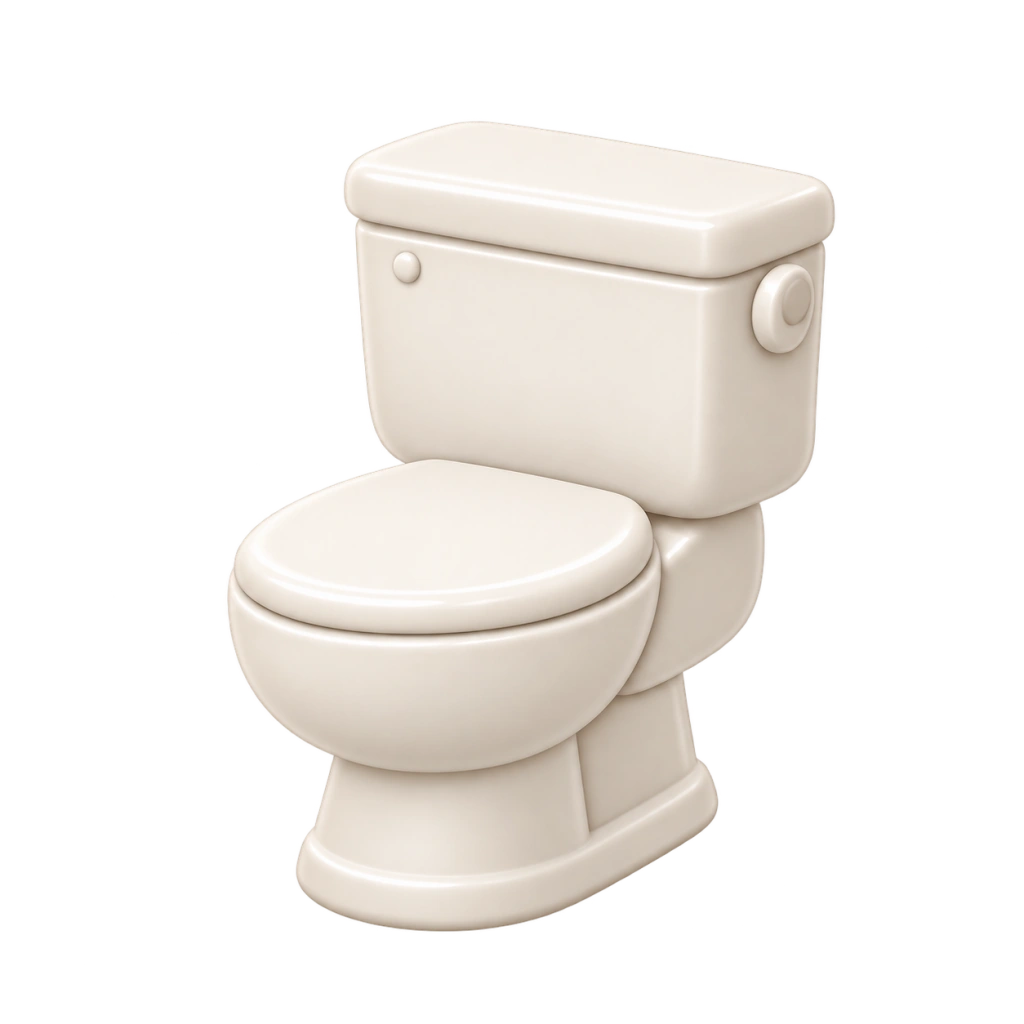 Use toilet
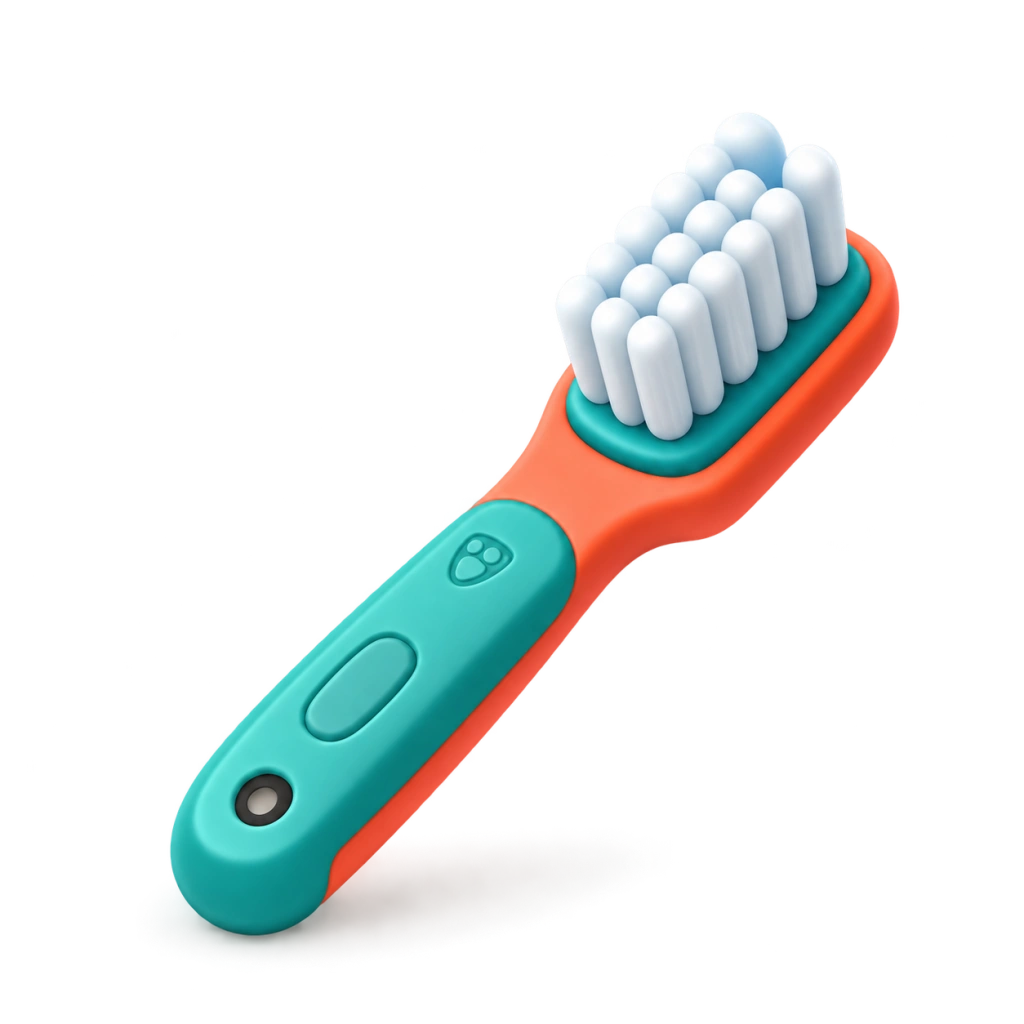 Brush teeth
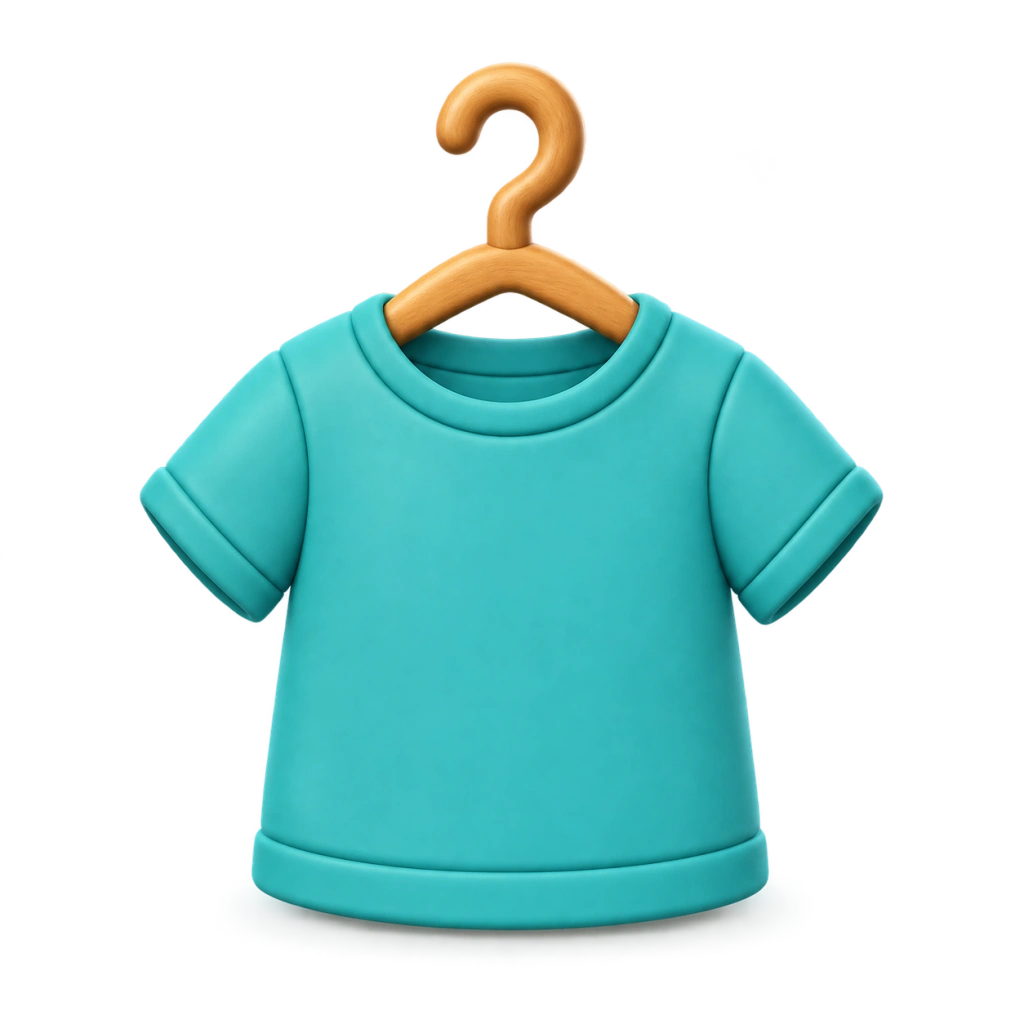 Get dressed
Routina app
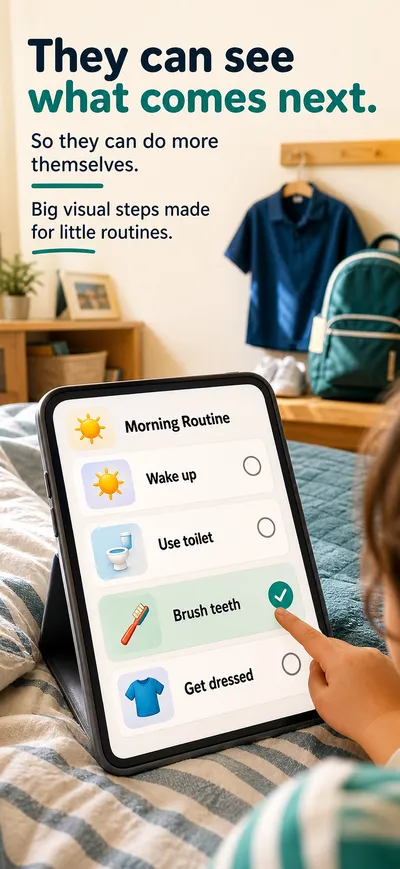
Both PDFs contain the full morning and bedtime sets plus blank cards; you can use just these four. The PDF is free; printing and optional materials may cost extra.
If you are weighing a visual routine chart vs app, start with the job you need it to do, not the format. A kids morning routine chart should make the next step clear without adding another struggle. Family AI Apps makes Routina and offers the free paper cards below; this is our comparison, not an independent product review.
Set up the paper version in three steps
- 1. Use the four cards shown above from the free official PDF, or draw the same four actions with supplies you already own. An adult cuts printed cards.
- 2. Put Wake up → Use toilet → Brush teeth → Get dressed at your kid’s eye level. Keep cards movable for a done pile, or tape them down for a fixed board.
- 3. Walk through it together during a calm moment. Agree how to mark done and reset the cards for tomorrow. Keep helping with tasks that need you.
Set up the Routina version in three steps
- 1. Download Routina from your store, follow its setup and review the purchase screen. Free to download does not mean every feature is permanently free.
- 2. Start from Morning Routine in the parent area and keep Wake up → Use toilet → Brush teeth → Get dressed for this small example. Adjust the other tasks rather than assuming the full default is a four-step routine.
- 3. Practise together in List or Focus mode. Decide where the device stays, how to mark a step finished and when it goes back to the adult. Use a timer only if it helps.
A hybrid is a real option
Keep the paper board and add a separate timer for one step. Or leave a fixed paper board at home and use a digital routine elsewhere. Keep labels and order the same so switching formats does not introduce a new sequence. Neither format removes the need for adult help.
Try six comparable school mornings—not a promise
Practise both formats before you begin. Across six comparable school mornings, alternate paper, app, paper, app, paper, app. Keep the same four steps, similar start time, adult support and timer arrangement. If you want to compare a built-in timer later, try that separately instead of changing everything at once.
This is a small family check, not a controlled study or a guarantee. Learning over the week, sleep, illness and a different caregiver can change the result. Note unusual mornings rather than treating a rough day as a verdict.
- Verbal prompts: count each spoken reminder to start or continue a step. Use the same counting rule every morning.
- Independent steps: count steps your kid starts and completes without an extra verbal reminder or hands-on help. Always provide necessary support; record it, do not withhold it.
- Hand-back friction: note resistance when ending use, reminders needed to leave the board or return the device, and roughly how long that takes.
- After morning six, compare your notes and ask your kid which format they preferred. Choose the easier fit, use a hybrid, or keep observing if the pattern is unclear.
What the research actually says
Giles & Markham (2017), “Comparing Book- and Tablet-Based Picture Activity Schedules: Acquisition and Preference,” studied three autistic boys under five. They were taught to follow book- and tablet-based schedules. Differences in how quickly they learned the two formats were marginal, and preference varied by child. This was not a test of Routina or ordinary home school mornings.
Tompkins, Hulac & Boetel (2025), “Comparative Effects of an Electronic Visual Schedule on Young Children with ASD,” studied three autistic elementary-age children using no schedule, an analog schedule and an iPad schedule in a single-subject ABCABC design. All three started tasks sooner with either schedule than with verbal prompts alone; two showed more independent schedule following during the iPad phase. That does not establish that apps work better for every child.
These are small studies in specific populations and tasks. Neither directly answers which format works better for general preschoolers’ mornings at home, and neither evaluates Routina. Our focused search did not identify a general-population home-preschool-morning superiority study. That is a limit of the evidence we found, not proof that no such study exists. We reviewed openly available abstracts and records, not both complete study texts.
Giles & Markham (2017): original study record on PubMed
Author university record and accepted manuscript for Giles & Markham
Tompkins et al. (2025): original study abstract on ERIC
Product sources and a fair next step
Official store descriptions checked 22 November 2026 describe editable routines, optional timers, visual steps and sticker rewards. Features and purchase offers can change and can differ between platforms. The table is about practical trade-offs, not measured effectiveness. No search-demand estimate, clinical benefit or install outcome is claimed.
Official Routina US App Store listing: free download with in-app purchases
Official Routina Google Play listing
See the exact free Routina morning and bedtime paper charts
Plan the school morning steps and evening preparation
Choose a preschool morning app
Compare five morning apps by pictures, timers and setup
Download morning and bedtime picture cards
Try it with Routina
Choose paper if it fits your morning. If easier edits, an optional task timer or Focus mode would help, try Routina and review the current purchase terms before subscribing.